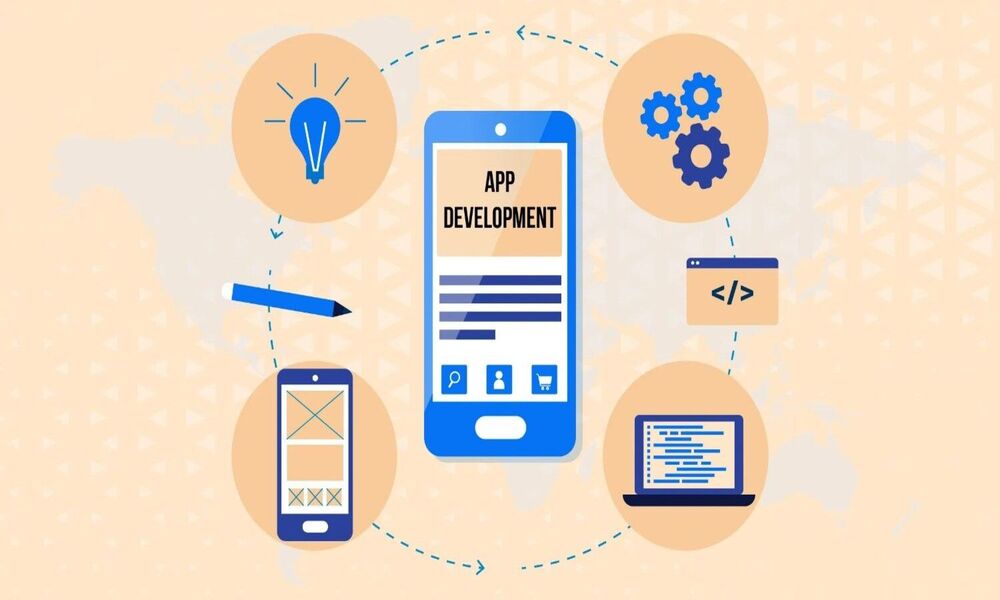
In today’s tech-driven world, schools are increasingly turning to mobile apps to improve communication, enhance learning experiences, and streamline school management. A mobile app can be a powerful tool to streamline communication, enhance learning, and improve overall school management. In this blog post, we’ll explore the key steps involved in creating a mobile app for schools and discuss essential features to consider.
Understanding Your Target Audience
Before diving into the development process, it’s crucial to identify your target audience. Who will primarily use the app? Students, parents, teachers, or administrators? Understanding their specific needs and expectations will help you tailor the app’s features and functionalities accordingly.
Defining Your App's Purpose
Clearly define the primary purpose of your app. What problem does it solve? Is it for communication, learning, administration, or a combination of these? Having a clear focus will help you prioritize features and maintain a user-friendly interface.
Communication:
-
- News and announcements
- Calendar events
- Push notifications
- Parent-teacher communication
- Student-teacher communicatio
Academics:
-
-
- Homework assignments
- Grades and progress reports
- Online learning materials
- Attendance tracking
-
School Information:
-
- School directory
- Emergency contacts
- School policies and procedures
- Library resources
Administrative Tools:
-
- Staff directory
- Event management
- Transportation management
- Fee management
Essential Features for a School App
Choosing the Right Platform
Decide whether you want to build a native app for iOS (iPhone and iPad) or Android, or opt for a cross-platform solution that works on both. Consider factors such as your target audience’s device preferences and your development budget.
Design and User Experience
A well-designed app with a seamless user experience is crucial for adoption. Prioritize intuitive navigation, clear and visually appealing content, and easy-to-use features. Consider using age-appropriate designs and colors for student-focused sections.
Development and Testing
Choose a reliable development team or platform to build your app.Gather feedback from users to identify and fix any issues before the official launch.
Launch and Marketing
Create compelling app descriptions and visuals for both Apple App Store and Google Play Store. Develop a marketing strategy to promote your app within the school community and beyond.
Conclusion
Creating a successful mobile app for schools requires careful planning, development, and ongoing maintenance. By focusing on your target audience’s needs, incorporating essential features, and prioritizing user experience, you can create an app that enhances the school community and improves educational outcomes.
SmartAppStudio: Your Partner in School App Development
At SmartAppStudio, we specialize in creating innovative and user-friendly mobile apps for schools. Our team of experts can help you bring your app idea to life, from concept to launch and beyond. Contact us today to discuss your school app project!